

How do payment links work?
Create reusable or one-time payment URLs that customers can open from email, chat, invoices, QR codes, and social channels.
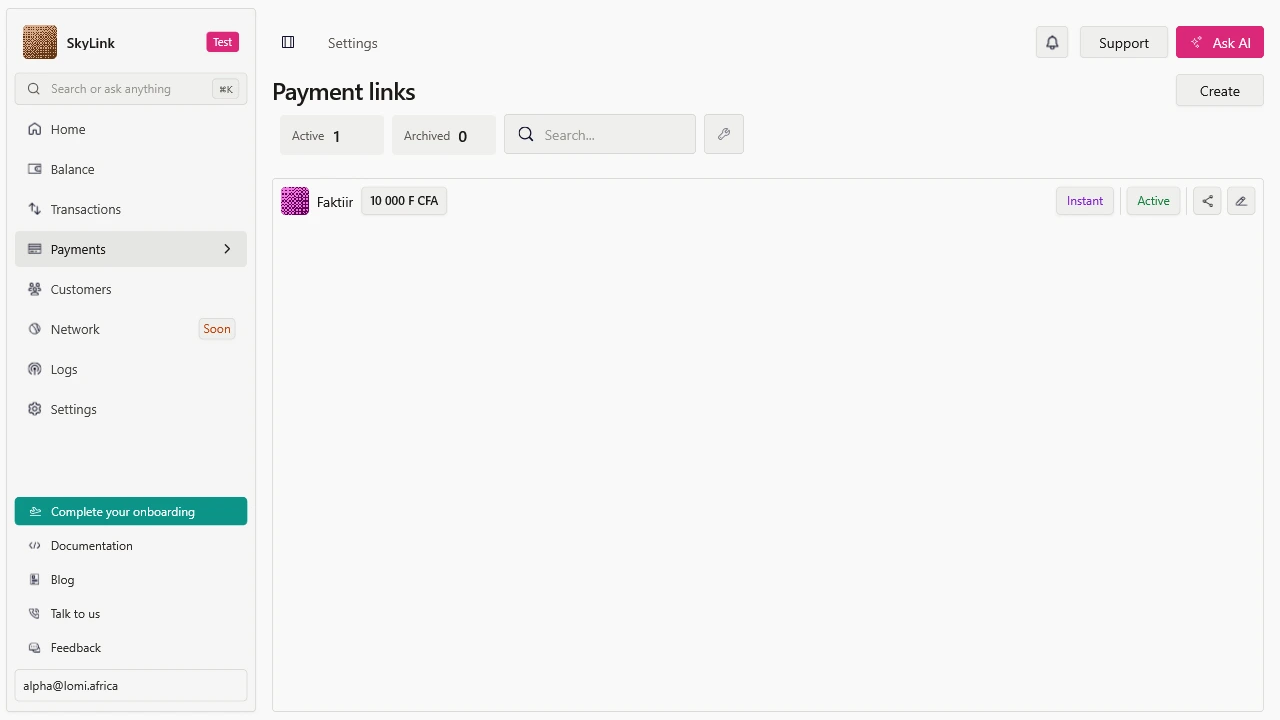
Payment links let you accept payments without building a checkout flow. Create a link, share it with a customer, and reconcile the completed payment from the dashboard or webhook.
When to use payment links
Use payment links for:
- Invoices and service payments.
- Event tickets, deposits, donations, or small catalogs.
- Sales through WhatsApp, email, SMS, or social media.
- A fast no-code payment flow before building a full app checkout.
Use hosted checkout instead when every payment should be created from your backend order flow.
Link types
| Type | Best for | Notes |
|---|---|---|
| Product link | Selling a known product or subscription | Amount comes from the product or price |
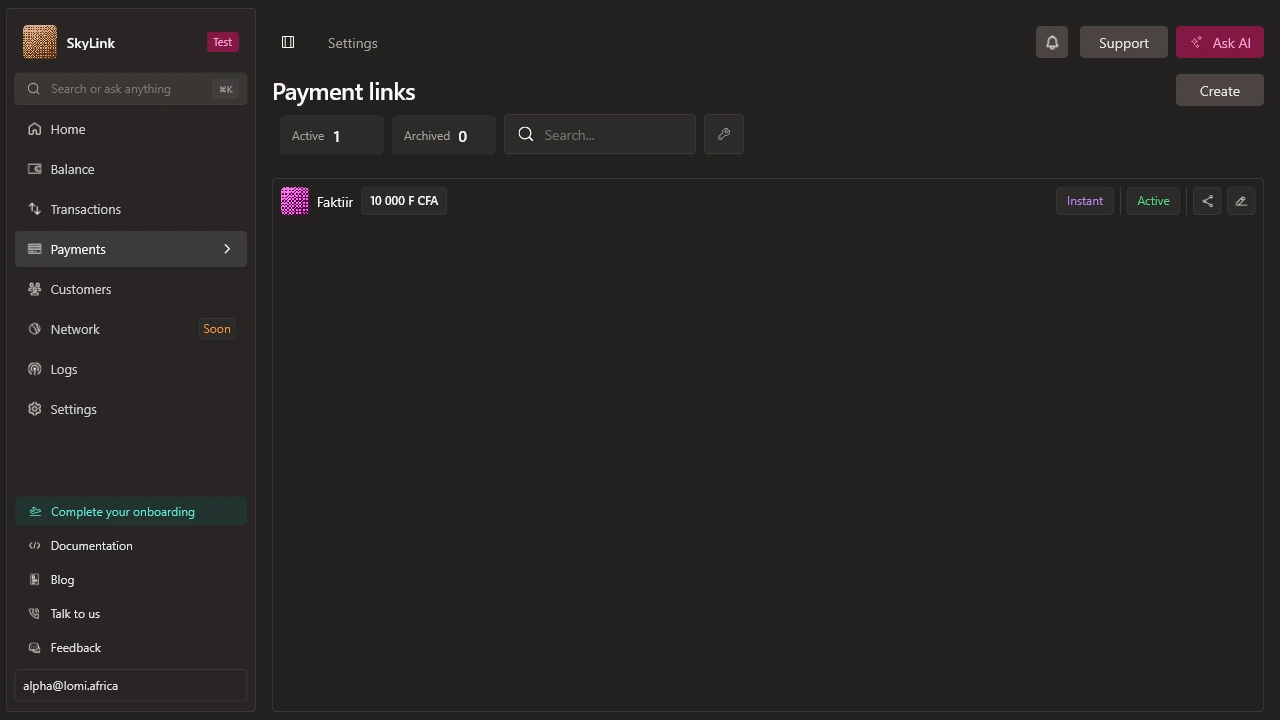
| Instant link | Collecting a custom amount | Amount is set directly on the link |
Create a payment link
curl -sS -X POST "https://sandbox.api.lomi.africa/payment-links" \
  -H "X-API-Key: $LOMI_SECRET_KEY" \
  -H "Content-Type: application/json" \
  -d '{
    "link_type": "instant",
    "title": "Consulting deposit",
    "currency_code": "XOF",
    "amount": 50000,
    "success_url": "https://example.com/thanks"
  }'
Share the returned URL with the customer.
What should I verify?
- The link opens in the expected environment: test or live.
- The amount, currency, title, and description are clear.
- The success URL sends the customer somewhere useful.
- Your webhook or dashboard process catches the completed transaction.