

Where do I find my API keys?
Find your test and live keys, understand which key belongs where, and store them safely.
API keys connect your application to lomi. Use test keys while building, then switch to live keys only when your integration is verified.
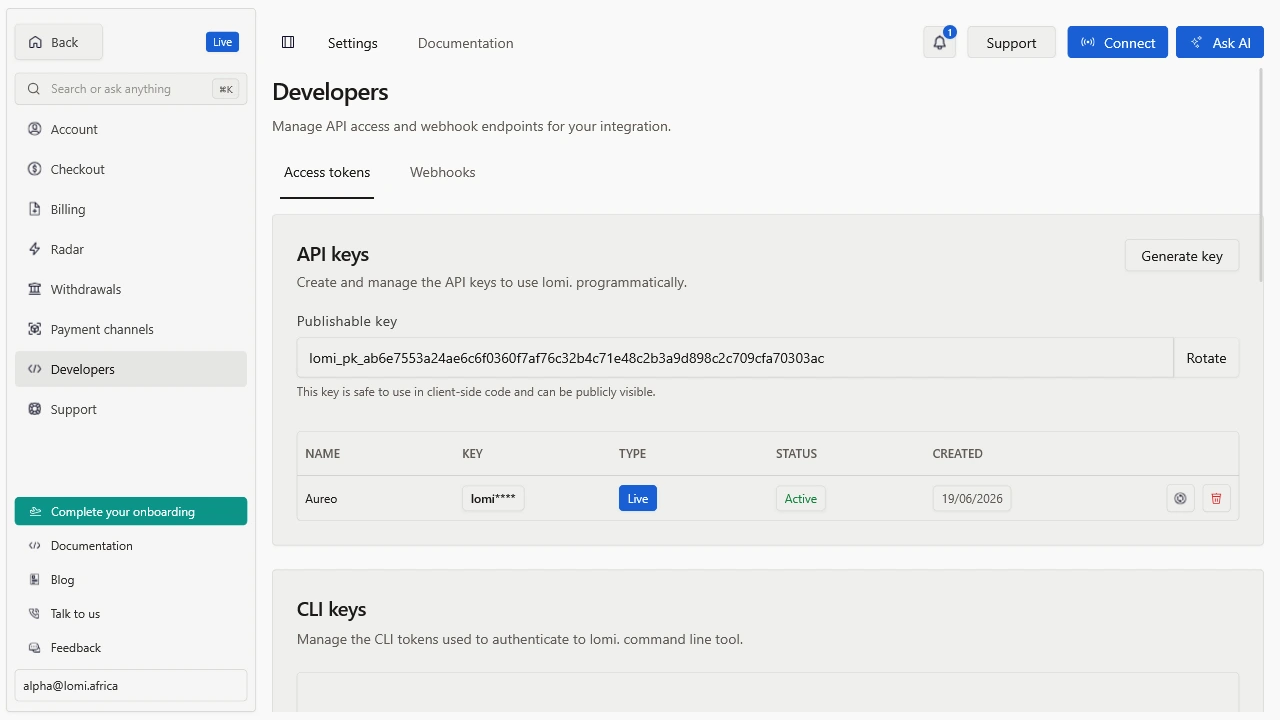
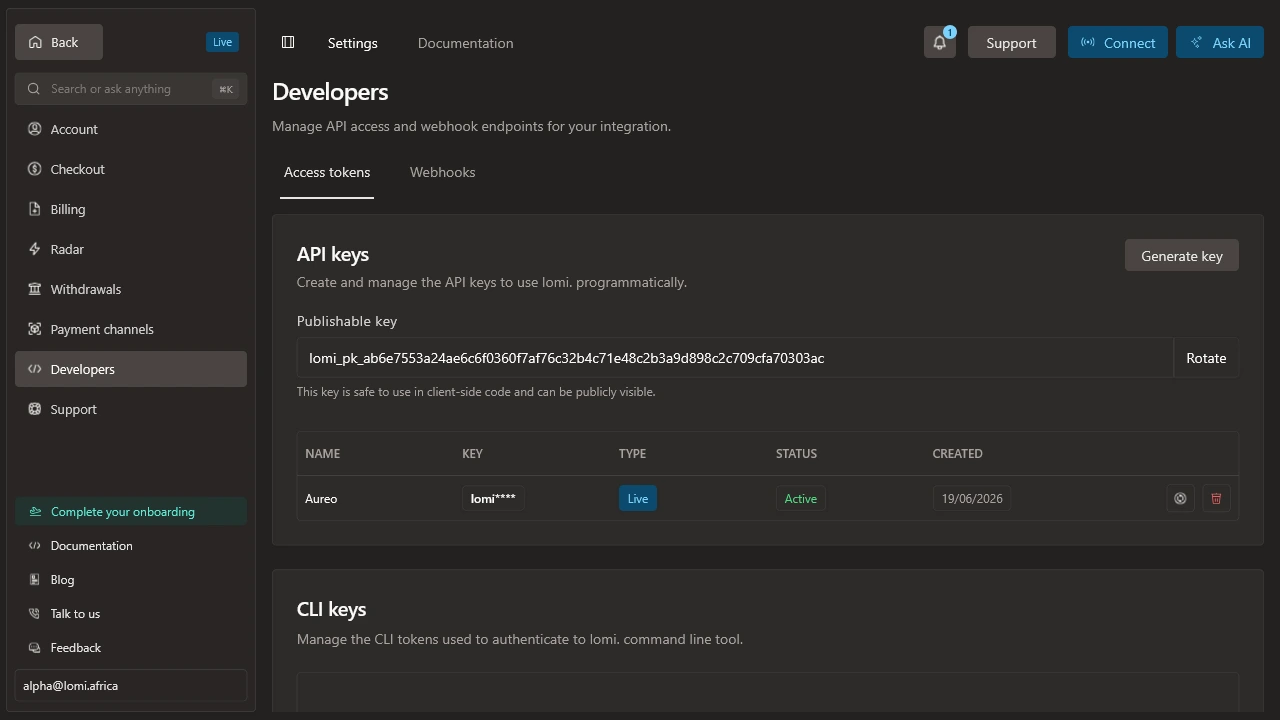
Where are the keys?
Open the dashboard and go to Settings -> Access tokens or the equivalent developer/API settings page for your account.
You will see separate keys for test and live environments:
| Key | Prefix | Use it from |
|---|---|---|
| Secret test key | lomi_sk_test_... | Your server while building |
| Secret live key | lomi_sk_live_... | Your server in production |
| Publishable test key | lomi_pk_test_... | Browser/mobile card flows in test mode |
| Publishable live key | lomi_pk_live_... | Browser/mobile card flows in live mode |
Which key should I use?
Use secret keys only on servers, scripts, workers, and CI jobs you control. Never expose a secret key in frontend code, mobile apps, public repositories, logs, screenshots, or support messages.
Use publishable keys only when a guide explicitly asks for them, such as embedded card confirmation with Payment Elements.
Environment variables
Store keys in your runtime environment:
LOMI_SECRET_KEY=lomi_sk_test_xxxxxxxxxxxxxxxxxxxxxx
LOMI_PUBLISHABLE_KEY=lomi_pk_test_xxxxxxxxxxxxxxxxxxxxxx
LOMI_WEBHOOK_SECRET=whsec_xxxxxxxxxxxxxxxxxxxxxx
When you go live, replace test keys with live keys and point raw HTTP calls at https://api.lomi.africa.
Verify the key works
curl -sS \
  -H "X-API-Key: $LOMI_SECRET_KEY" \
  "https://sandbox.api.lomi.africa/accounts"
If the request returns 401, check that you copied the full secret key and that your server is loading the environment variable.