

How do I create a lomi. account?
Create your dashboard account, choose the right verification path, and prepare your business to accept test and live payments.
Create your lomi. account from the dashboard, complete onboarding, and start in test mode before moving real money.
Before you start
Have these details ready:
- Your name, email, phone number, country, and business use case.
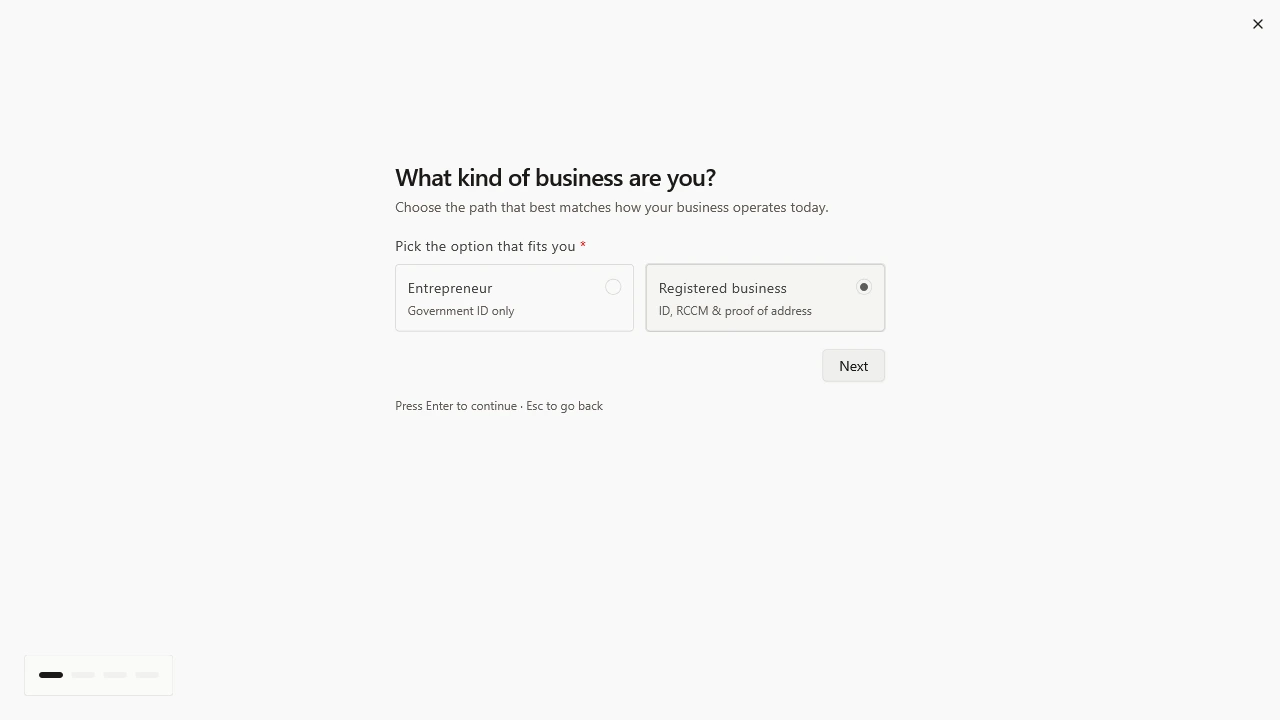
- A government-issued ID for a Starter account.
- Business registration and proof of address if you are onboarding as a registered business.
Which account path should I choose?
| Path | Best for | Typical review |
|---|---|---|
| Starter | MVPs, indie projects, early sales, and validation | Usually fast once identity is complete |
| Business | Registered businesses that need higher limits and production operations | Manual review after documents are submitted |
Start with the path that matches your current legal and operational reality. You can upgrade when your activity grows.
Create your account
- Open dashboard.lomi.africa.
- Sign up with email or a supported social account.
- Complete your profile and business details.
- Upload the requested identity or business documents.
- Wait for verification to complete.
- Use test mode while your integration is being built.
What happens after verification?
After your account is ready, you can:
- Get test and live API keys.
- Create checkout sessions and payment links.
- Configure webhook endpoints.
- Invite teammates from the dashboard.
- Prepare your go-live checklist.